Loading…
Hospitality Scheduling Software
Create staff schedules with real-time employment law checks and accurate wage costs.
Employment law built in
Spot legal issues early with real-time warnings about potential break, rest and working-hours violations.
Know the real wage cost
See accurate scheduled wage costs, including applicable overtime and supplementary pay.
Ready to begin?
Start Your 30-Day Free Trial
Create your account and start building schedules. No credit card required.
Start free trial →Prefer a guide?
Quick Start Guide
Follow the setup process from signup through to publishing your first staff schedule.
View quick start →Want to see it live?
Free Live Support & Demo
Meet one-to-one with a member of the CaterShift Support Team on Google Meet, whether you want a demonstration, training or help using CaterShift.
Book a Google Meet →Why Choose CaterShift?
Employment Law Built In
Live checks against local employment law, including breaks, working hours and rest periods.
Know Your Wage Costs
Know your scheduled wage costs before you publish, including applicable overtime and supplementary pay.
Unlimited One-to-One Support
Get free, unlimited one-to-one training and support with a CaterShift team member on Google Meet.
Simple Fixed Pricing
Your price does not increase with the number of staff, managers or sites.
Staff Availability & Conflicts
Manage time off and recurring availability, with instant warnings for availability conflicts and overlapping shifts.
We'll Help You Get Started
Use our simple setup wizard, or send us your staff details and current rota and we'll set up CaterShift for you — free.
Real people. Real help.
Free One-to-One Help Whenever You Need It
Thinking about CaterShift? Book a free one-to-one demonstration on Google Meet and we'll show you how it works, focus on the features that matter to your business and answer your questions.
Already using CaterShift? The personal help doesn't stop when you sign up. Book a Google Meet whenever you need help with setup, training or using CaterShift. There's no additional charge and no limit on the number of sessions.
Book a Google MeetFree demonstrations · Free customer training · Free ongoing support
Let Us Set Up Your CaterShift For You
Want to try CaterShift but don't have the time to set everything up? We can do it for you — fast and free. Just download our onboarding spreadsheet, enter your team and roles, and then email it back to us along with your latest schedule. Any schedule format works — screenshot, spreadsheet, rota photo… we'll take care of the rest. Your CaterShift account will be fully set up and ready to go.
If you want to set up CaterShift yourself, no worries. Our easy-to-use setup wizard will guide you through five simple steps. For a smaller business, setup can take as little as 30 minutes, and you can switch to the onboarding spreadsheet option at any time.
You'll need Excel, Apple Numbers, or Google Sheets to edit this file. On iPhone or iPad, open it in one of those apps rather than the browser preview because the preview cannot be edited.
Completed spreadsheet? Email it and your schedule to: support@catershift.com
Prefer not to use a spreadsheet?(tap to expand)
If you'd rather not use Excel at all, that's completely fine. You can simply send us your latest rota and a few basic details and we'll do the setup directly in CaterShift for you.
A simple guide to what to send is available here:
Prefer to watch?
Watch CaterShift in Action
Choose a practical walkthrough if you would like to see more before starting your free trial or booking a live demonstration.
8 minutes
Getting Started with CaterShift
Follow the journey from starting a free trial through to publishing your first staff schedule.
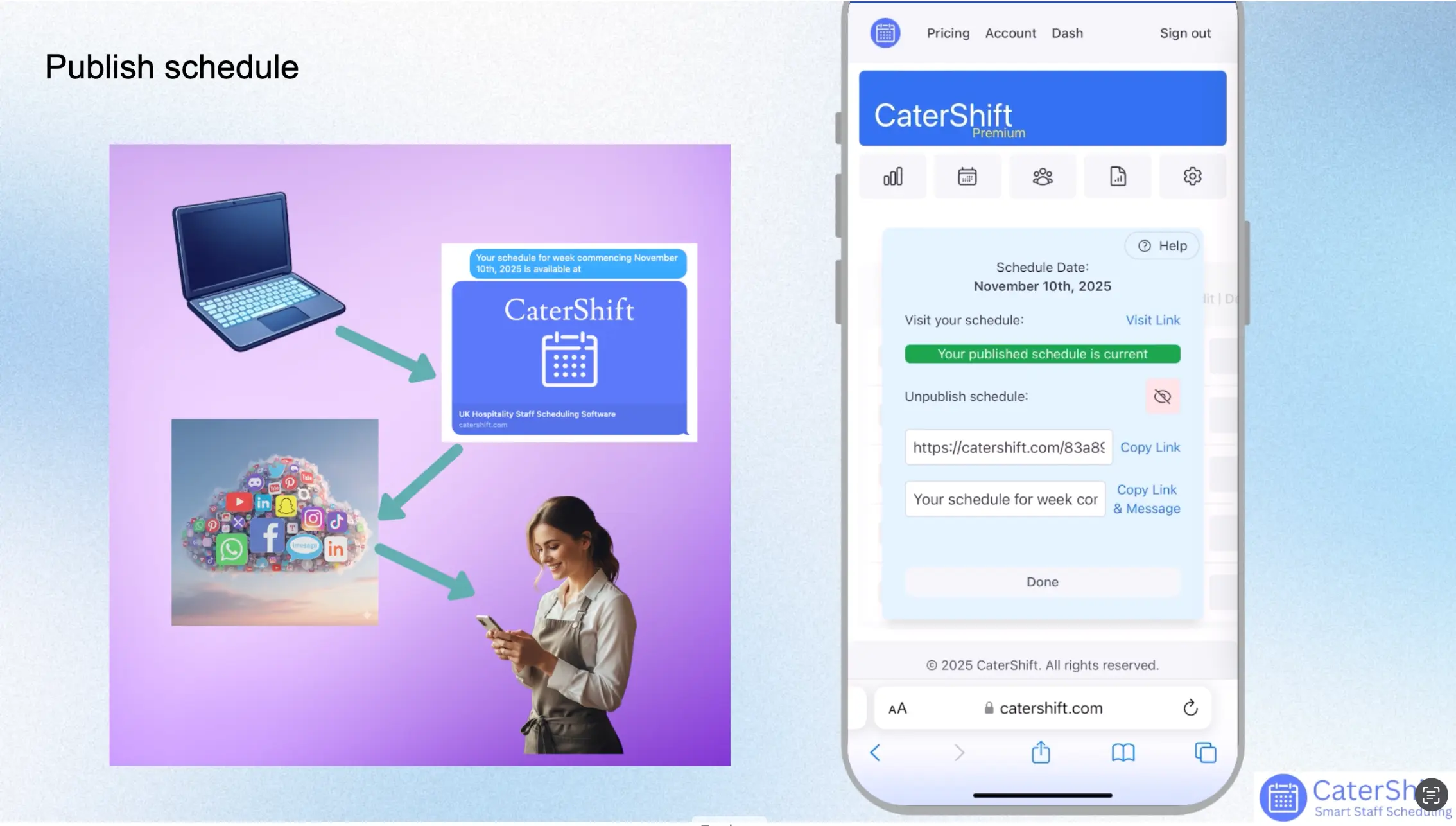
This video is hosted by YouTube. Allow embedded media to load the video.
10 minutes
CaterShift Detailed Tour
Take a closer look at CaterShift's scheduling features, workflow and day-to-day operation.

This video is hosted by YouTube. Allow embedded media to load the video.
Start Your 30-Day Premium Trial
No credit card required. Continue with our free plan when your trial ends.
Start Free Trial